Animated Logo: Sound, Motion and Image
Integrating AfterEffects, Premier Pro, Photoshop and InDesign
Using video, audio and animated text to make a statement
I started with an audio clip, an unrelated video clip of a hummingbird and the Modern style typeface of the company’s brand. The video was lively and highly saturated throughout, realistic but on a flat plane that lacked depth.
I added variety to the video by varying scale, color, timing and position of the hummingbird and the flower, which would require working on them separately. However, the video’s image objects were not individually editable, so I devised a method using Photoshop to isolate sections of the flower and the hummingbird while working on them.
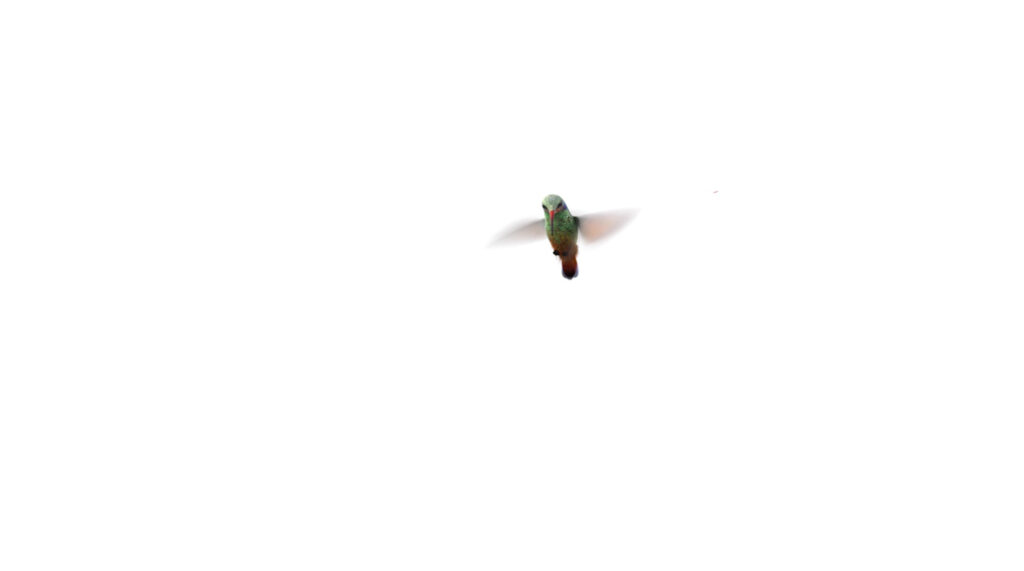
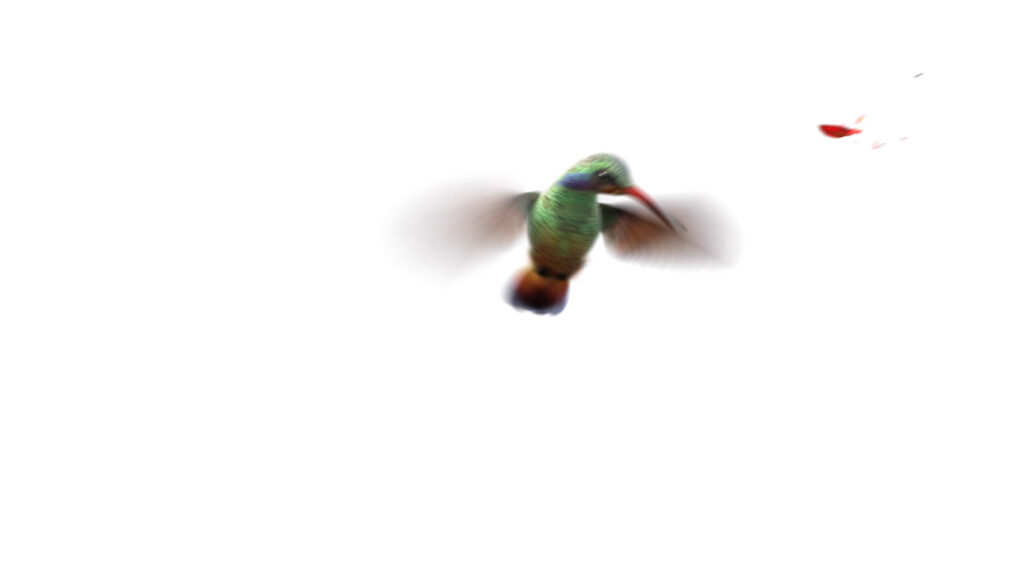
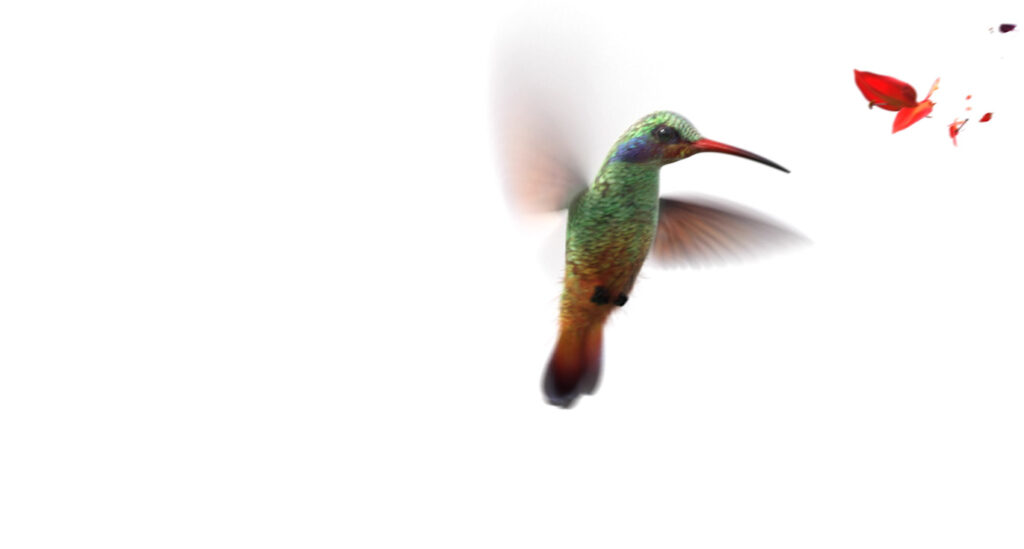
Using Photoshop and Premier Pro I edited the hummingbird and flower, dramatically varying opacity and scale and applying a motion blur so that the bird enters the composition from what appears to be a great distance, hovers over the flower, then disappears into the distance again, while the flower fades in to full opacity and fades out again. Only the text remains on screen after the bird and flower fade out.
Using AfterEffects I animated the text to imitate the movement of a hummingbird in flight using position, timing and distinctive motion properties to keep it from drowning in the video’s vibrant activity. To polish everything up I edited the length of the video, coordinated the audio with the bird and flower’s timing and position and aligned each of their variations in opacity, scale and color, making sure the transitions were smooth. I synced the audio clip with the video in a way that made sense, enhanced the tone and adjusted the volume.
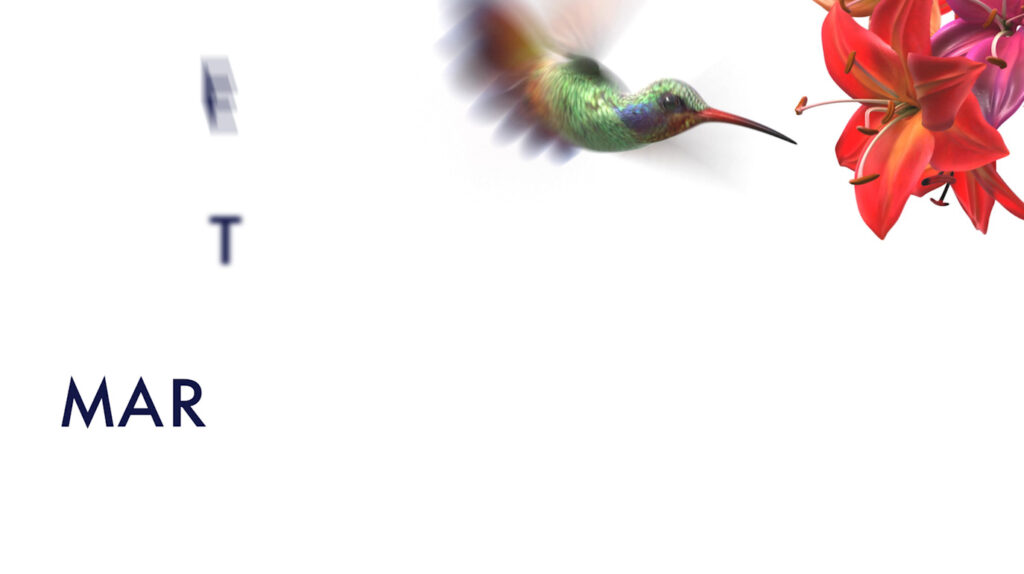
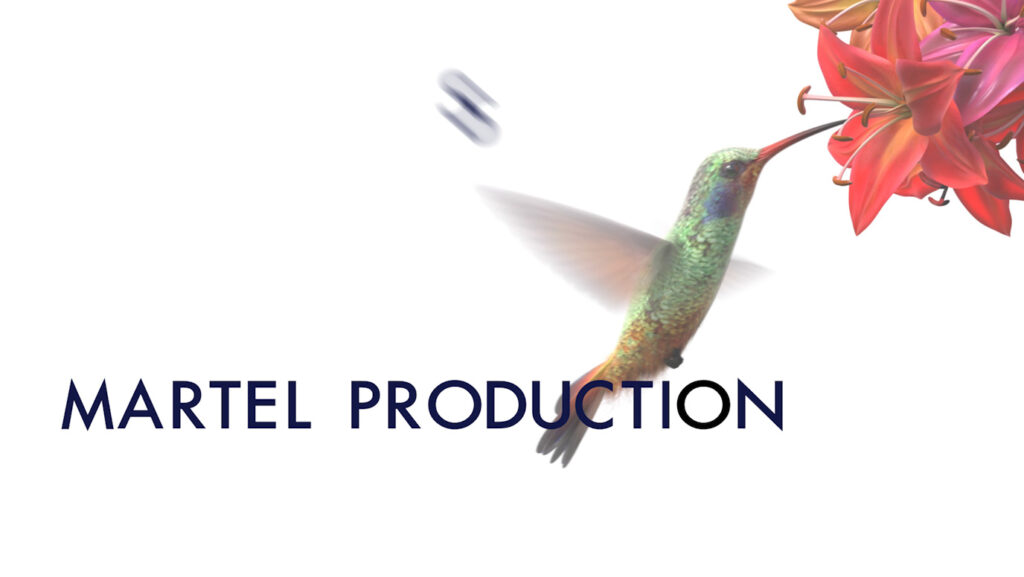
Behind The Scenes: Animating Text in After Effects
Animating a piece of text to Integrate with video requires several steps. To begin, the size of the ‘stage’, or composition has to be selected to mirror its scale in the video, with a transparent background for layering. The speed, duration and other details of the animated text has to match the video.
After selecting a typeface the font weight, color, kerning and leading have to be perfected. Then each letter must be positioned mathematically where it starts at the beginning of the animation and where it ends up at the end.
The text is animated using the timeline, keyframes, position, scale, rotation, opacity, movement, effects, text animators and transitions. This has to be done separately for each letter or block of text. Finally it has to be rendered and exported in whatever format is needed to import it into the video.