
Transforming Low Resolution Photos for the Web
Using Photoshop to Make An Unusable Photo Usable

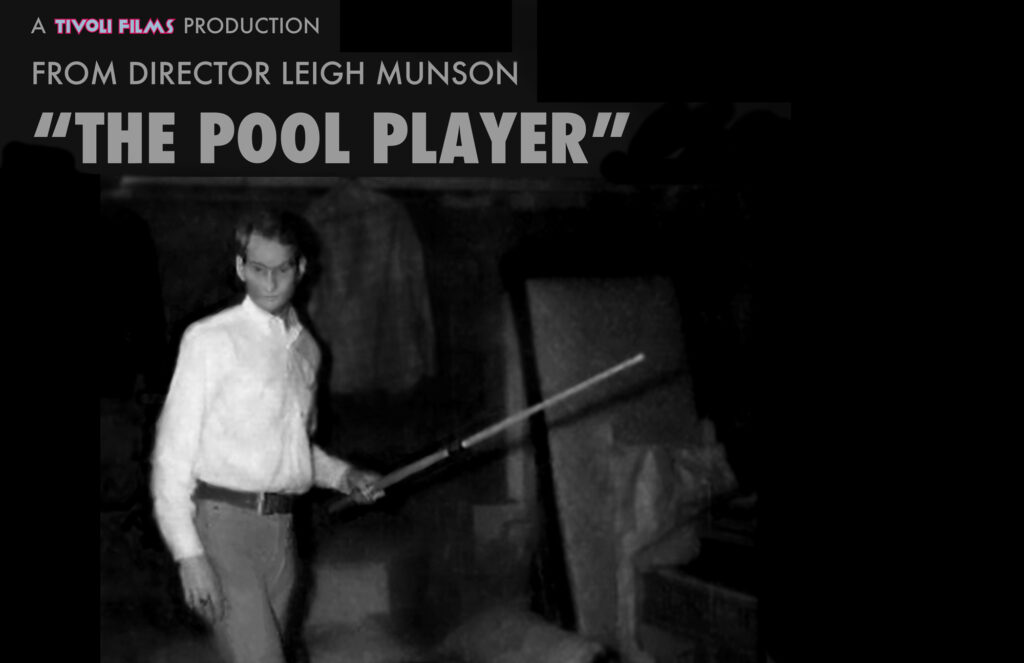
The final image, enlarged and edited, on a film poster
Editing a 1.5″ x 1″ image for the web
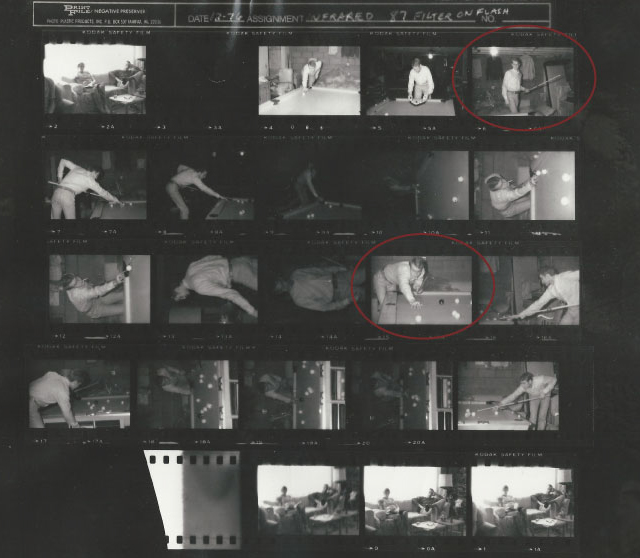
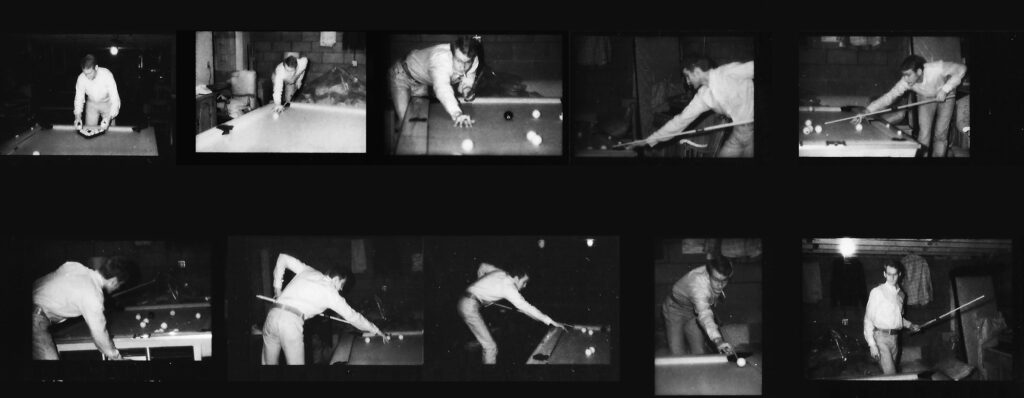
The 35mm contact sheet
I found an irreplaceable image of my deceased brother on an old 35mm contact sheet. The resolution was hopelessly low, rendering the image unusable.
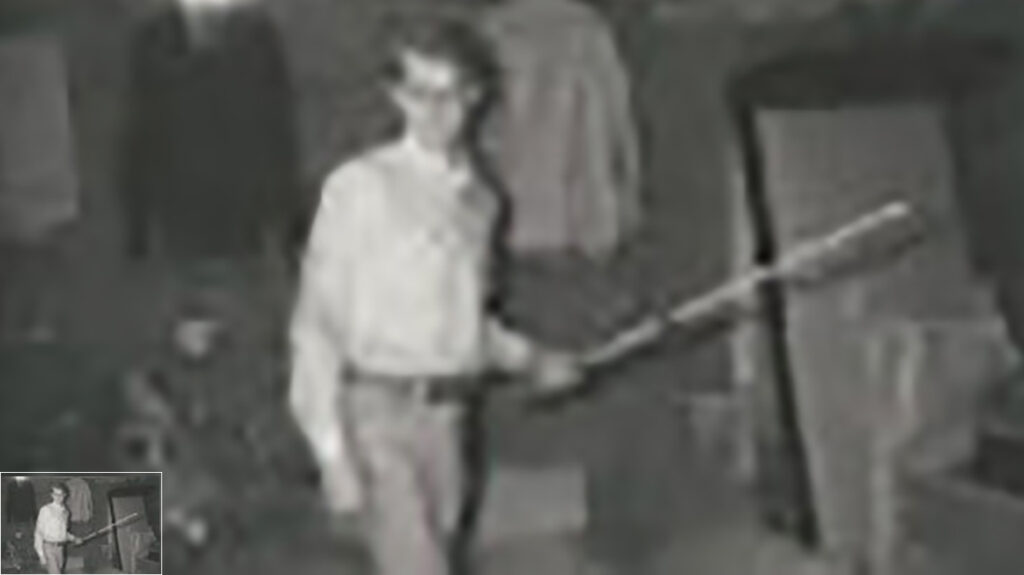
Comparison showing the contact sheet image at actual size (inset) enlarged to a standard web size
The resolution of the enlarged image is too low to make it usable. However, I was determined to give it a try, using my Photoshop tools.
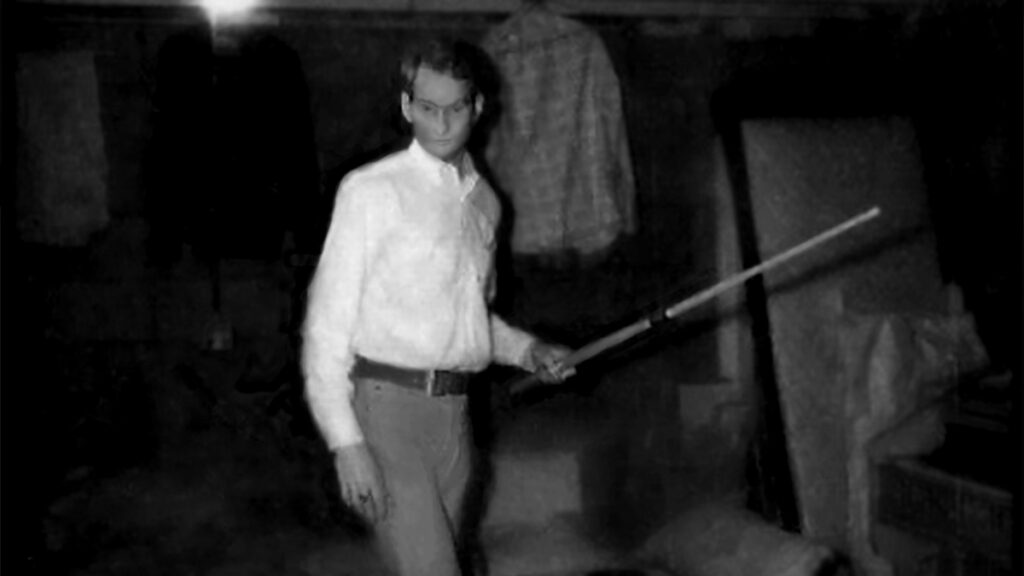
The edited image
After extensive editing, alterations and manipulation, the tiny image is now of sufficient quality to be used, with background distractions removed, at a 16:9 film ratio. Image quality is not the best but it suits my purpose.
Editing another image on the contact sheet
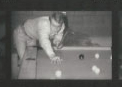
Original size
1.5″ x 1″
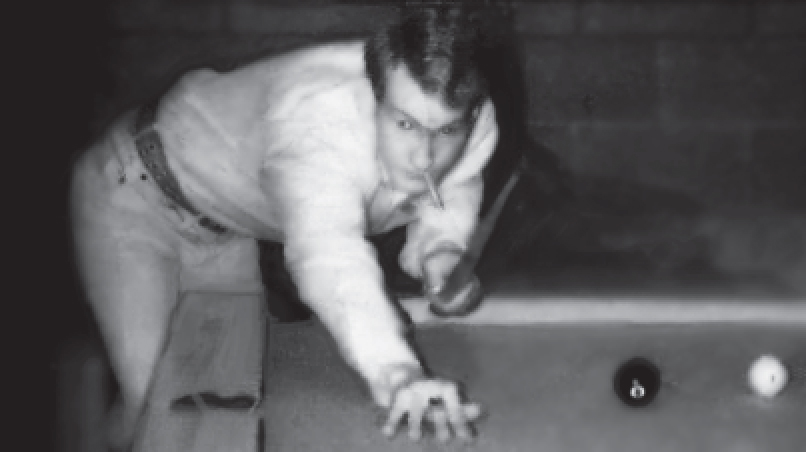
The post-editing result
Additional iterations of the images
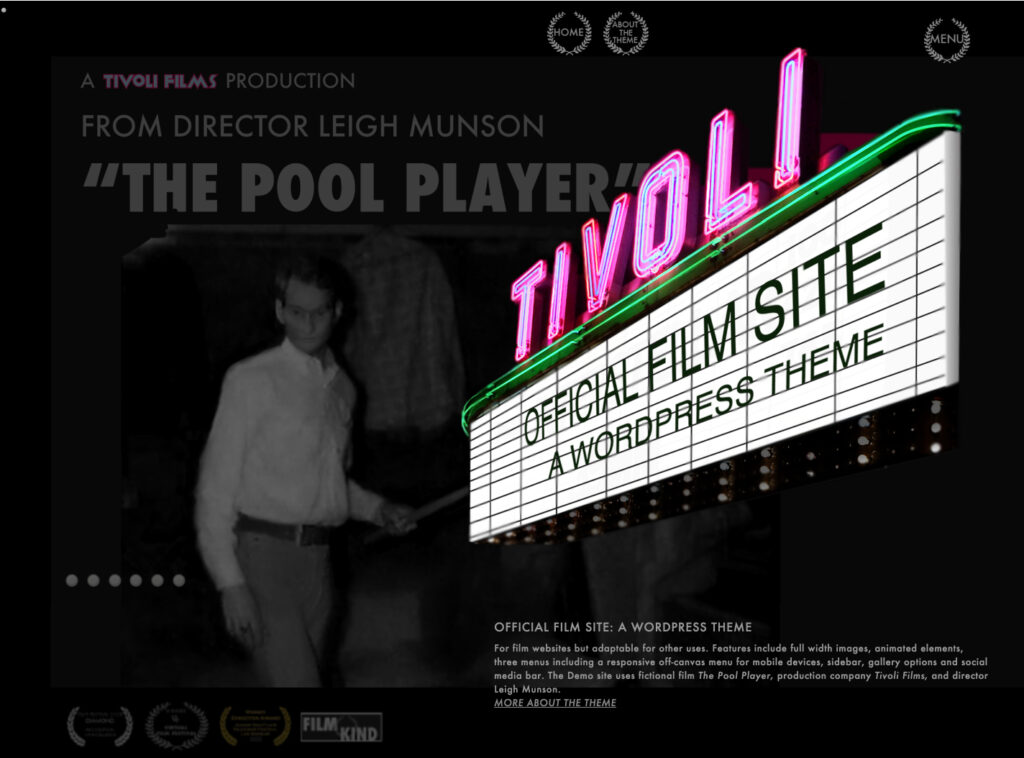
Pool player image gallery, fictitious film trailer and custom WordPress theme demo page