
Photo Retouching and Color Correction

Retouching
A challenging photo with multiple issues

The retouched photo

The original photo
Problems and solutions
Uneven lighting
Isolate and treat areas of the photo separately. Lighten obscured areas of the figures, darken background, tone down bright spots on figures.
Skin tones
Correct lighting and spot remove blemishes. To even up and smooth skin tones use Photoshop paint tool at 5% opacity.
Focal point
To create a focal point, separate and subdue background with darker exposure, blurring and cropping, with figures brighter than the background. Even out high contrast color with exposure and brightness. Keep faces in focus, use subtle blur on the figures.
Clothing bright spots
To make lighting on clothing look natural without losing details isolate each area and apply paint, blur and exposure tools.
Color Correction
Color corrected photos, before and after
Photo 1
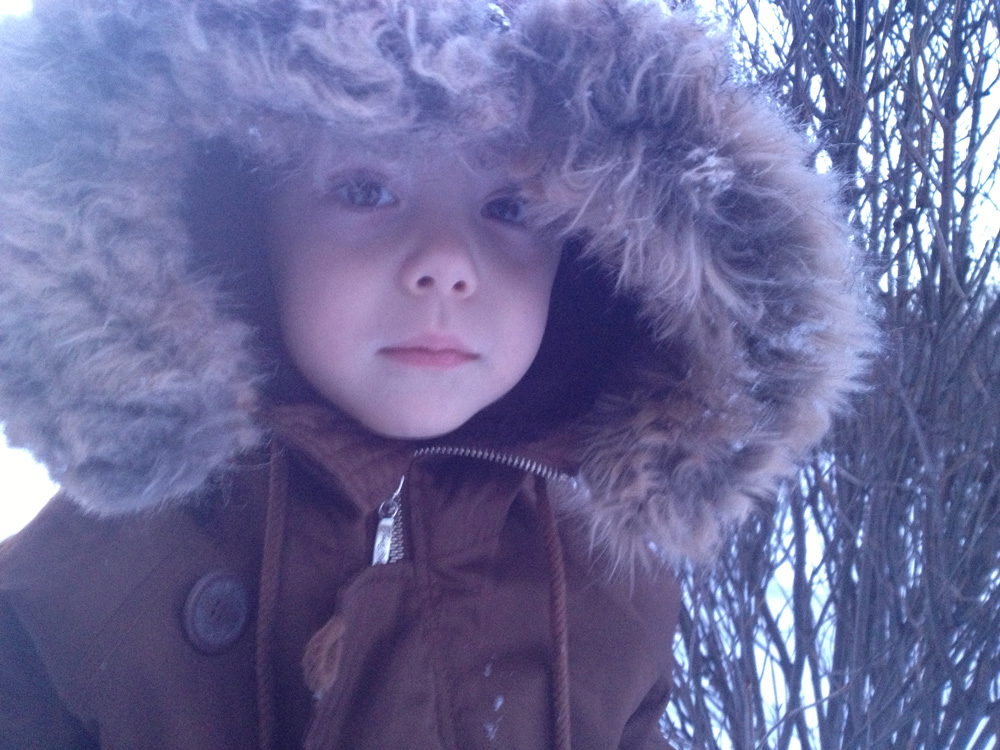
Before 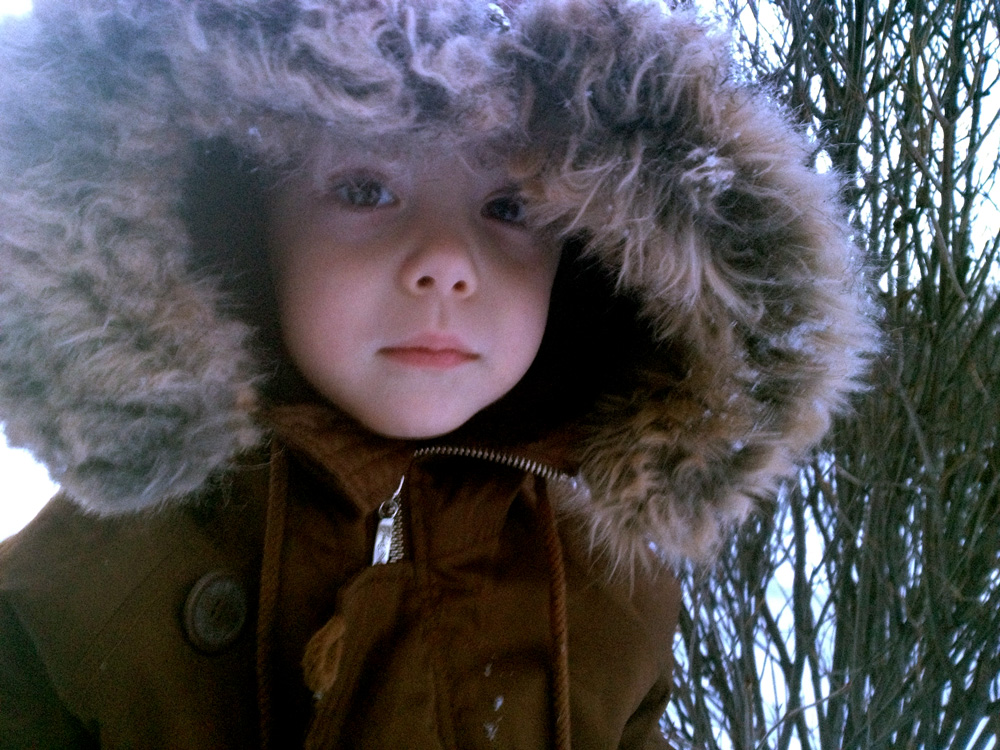
After
Photo 2

Before 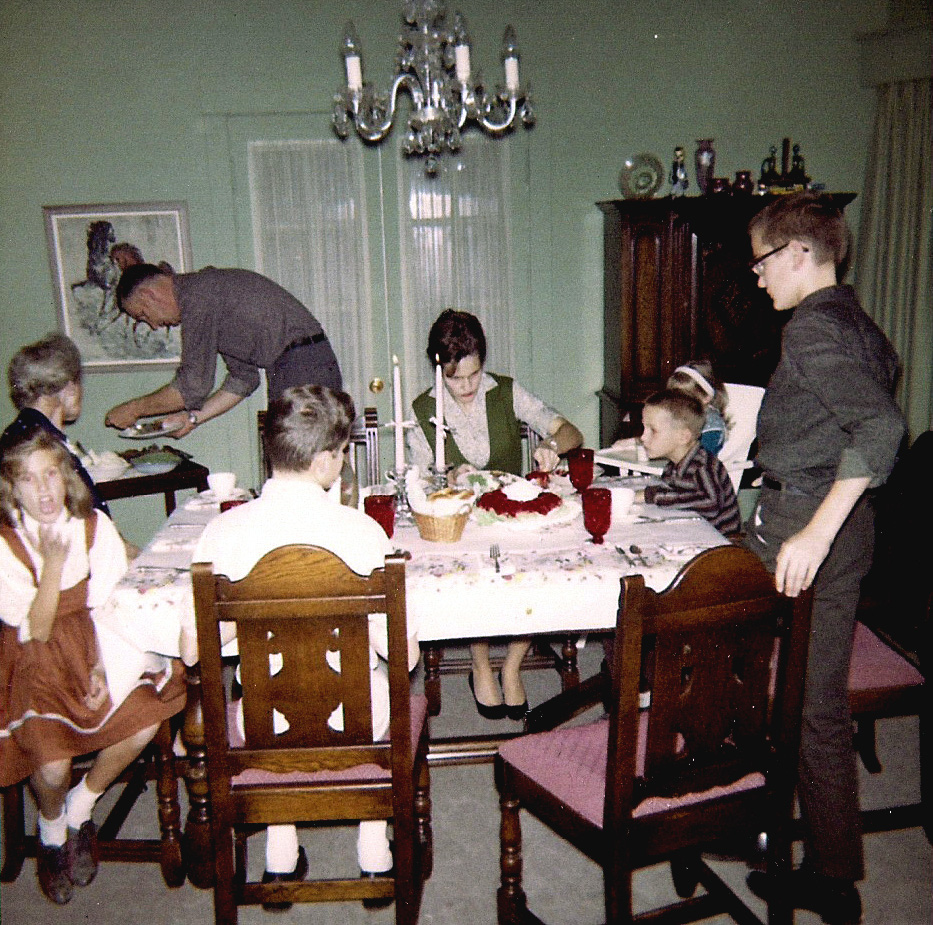
After
Photo 3
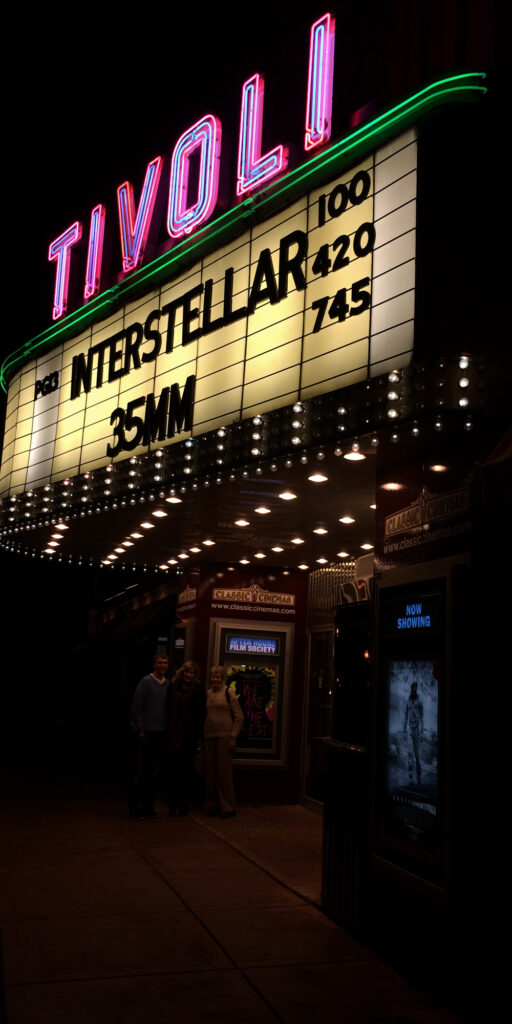
Before 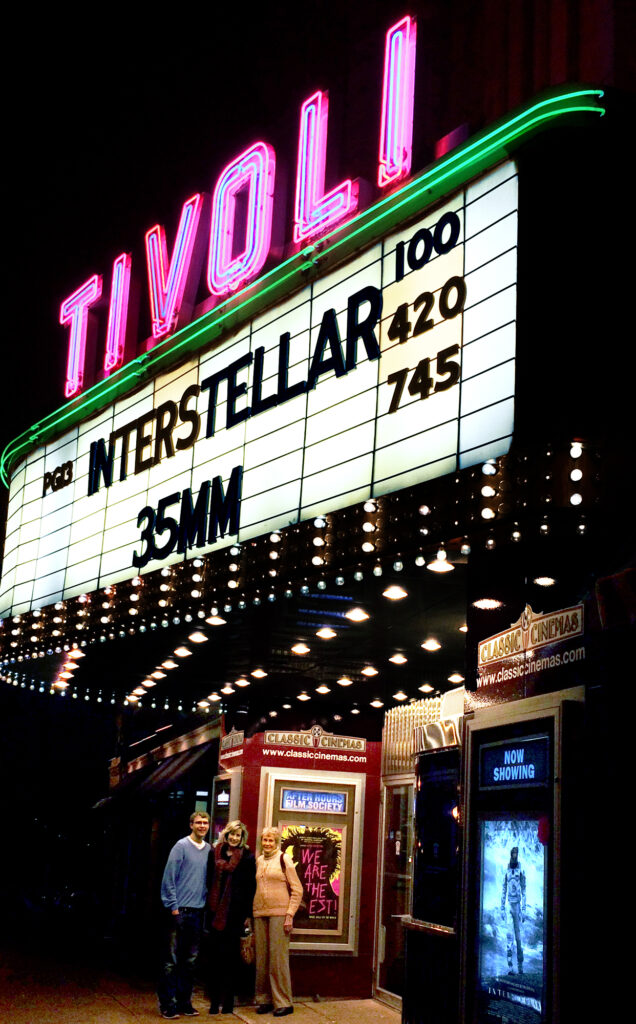
After
Photoshop color tools: levels, curves, balance, hue/saturation